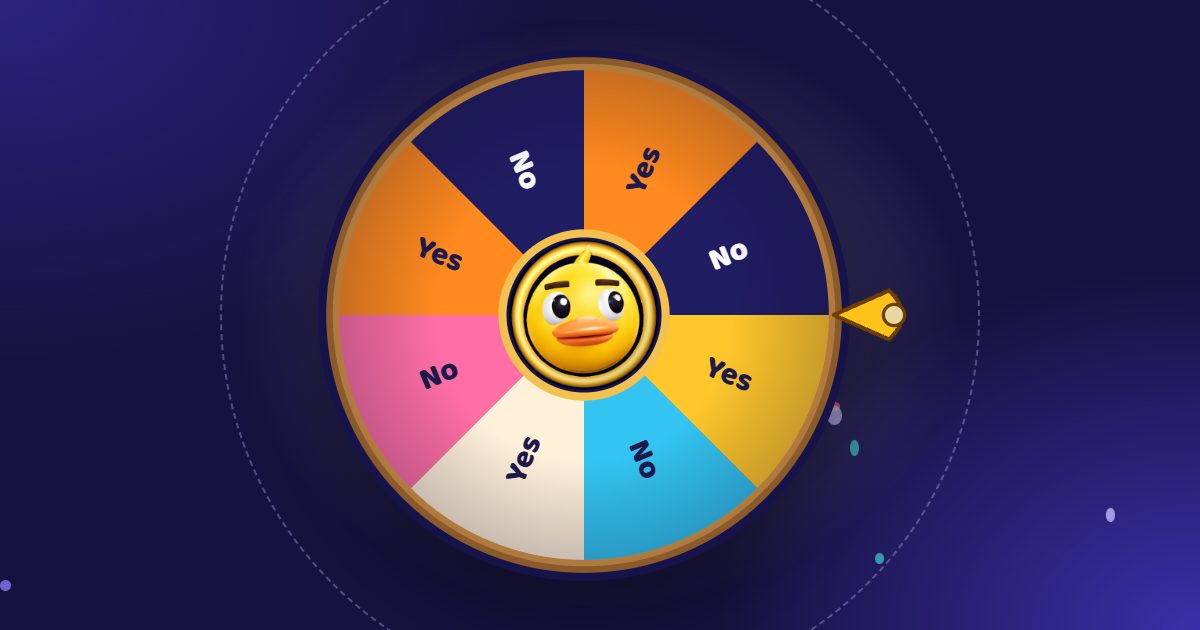
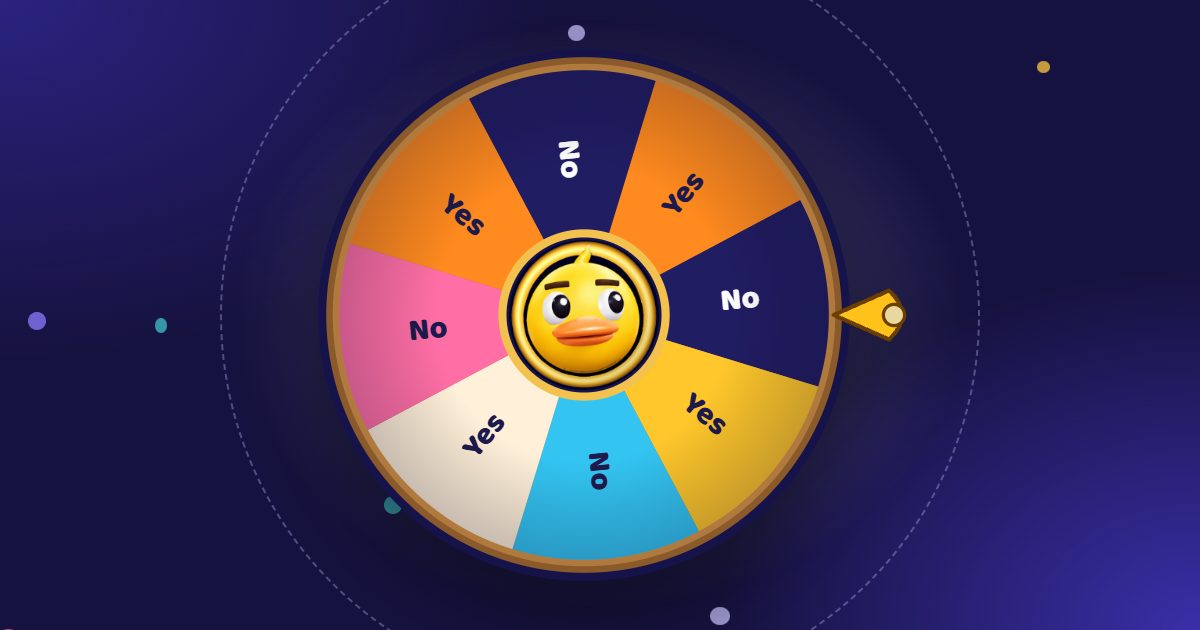
Teachers have used the ClassTools random name picker and Flippity’s random name picker for years: one is a classic wheel with a slot-machine mode, the other turns a Google Sheet into a picker page. Duck Wheel is a newer option built for the same job: a free 3D wheel that the class starts by pulling a rubber duck, and that students can follow on their own phones.
Here is an honest comparison. The ClassTools and Flippity details come from their own pages, checked in November 2026.
Duck Wheel vs ClassTools vs Flippity
| ClassTools | Flippity | Duck Wheel | |
|---|---|---|---|
| Price | Free with ads; Premium removes them | Free | Free, ads beside the game only; no paid plan |
| Setup | Type the names, one per line | Type names, or copy a Google Sheets template, publish it and paste its link | Type or paste names, or open a .csv, .txt or Excel file |
| Account | A Premium login for its extras | A Google account for the Sheets version | Not needed |
| Ways to pick | A wheel or a slot machine | Single name, or a lineup that picks everyone once | A 3D wheel, remove each winner, up to ten winners at once, or an elimination wheel |
| Bigger chances for some names | Not described | Not described | Chances, shown in percent |
| Students watching on phones | Not described | Not described | A Room: scan a QR code and see the same spin live |
| Sharing | Link, embed code, QR code | The page’s link | Share link, QR code, a picture of the result, embed code |
| Random groups | A separate tool | Groups from the same list | A random team generator |
Where Duck Wheel is the better pick
- Getting a quiet class to look up. A student pulls the duck, the wheel flies, the duck reacts to the winner. It turns calling on someone into a moment, not a punishment.
- A hybrid class or a big room. Open a Room and every phone shows the spin, so students at the back or at home see their name come up.
- Calling on everyone once. Turn on Remove winner and each name leaves the wheel after its turn, or use the elimination wheel for a whole ranking.
- No setup. No template, no publishing step, no ads on the wheel. Your list stays in the browser for next lesson.
If your whole class list lives in Google Sheets, Flippity fits that workflow well; if you love the slot machine, ClassTools has it. Duck Wheel is for when you want the class watching.
Frequently asked questions
What is the best random name picker for teachers?
It depends on the class. For a quick pick on the board, any of the three works. For a class that watches, a hybrid lesson or students joining on phones, Duck Wheel adds a 3D spin and Rooms, free with no account.
Can Duck Wheel pick each student only once?
Yes. Turn on Remove winner and each picked name leaves the wheel; Undo brings it back. The random student picker guide shows the classroom setup.
Do students need an app or an account to join a Room?
No. They scan the QR code or type the five-letter code at duckwheel.com/join, and the live wheel opens in the browser.