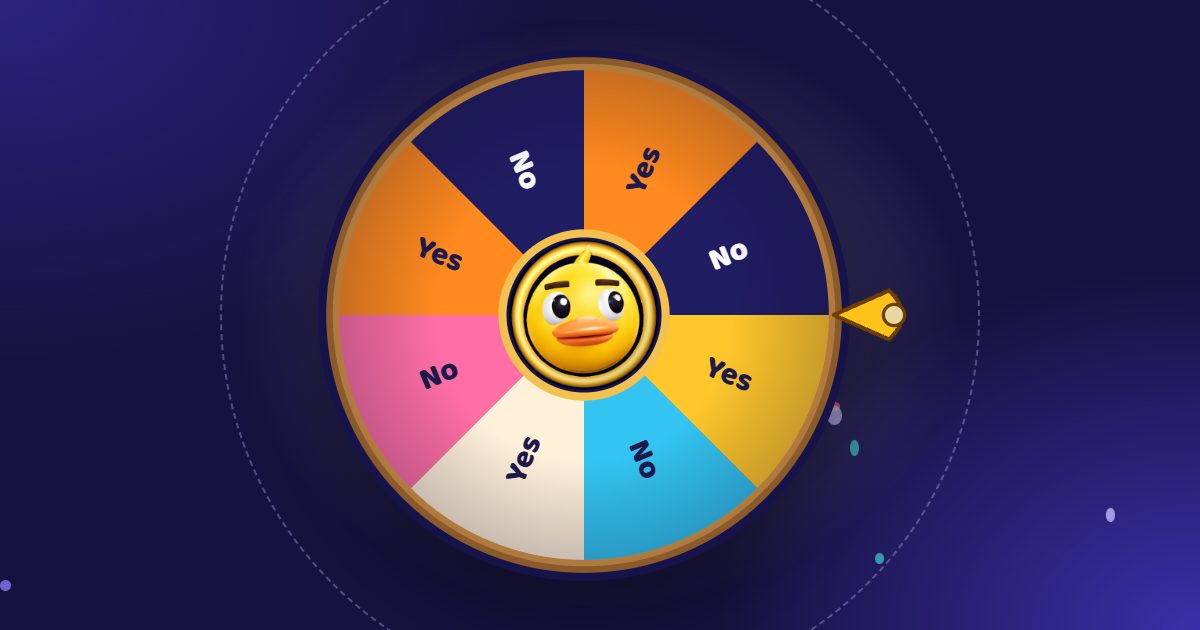
A spinning wheel is the quickest fair way to pick a name, a prize, a team or tonight’s dinner. There are dozens of sites that do it, and on the surface they look alike: type the names, spin, get a winner. The differences show up when you use one in front of a class, a stream or an office: what it costs, whether you need an account, how many names it takes, whether some names can get bigger chances, and whether the people watching can follow along on their own phones.
Here are the seven free spinning wheel sites worth knowing in 2026, with an honest list of pros and cons for each. Full disclosure: we make Duck Wheel (and Random Duck Race, listed at the end). The facts about the other sites come from their own pages, checked in November 2026. Sites change, so check theirs before you rely on a detail.
At a glance
| Price | Account | Names | Weights | Watch on phones | Streaming | Languages | |
|---|---|---|---|---|---|---|---|
| Duck Wheel | Free, no paid plan | Not needed | 1,000 | Yes | Yes, live Rooms | Twitch chat joins the wheel | 16 |
| Wheel of Names | Free, no paid plan | Only for cloud save | 1,000 shown at once | Yes | — | OBS browser source | 65 |
| Picker Wheel | Free, paid plans from $5 a month | For cloud save | — | Yes | — | — | — |
| ClassTools name picker | Free with ads, paid Premium | — | — | — | — | — | — |
| Flippity name picker | Free | Google account for the Sheets version | — | — | — | — | — |
| Online-Stopwatch name pickers | Free, paid Premium | — | 100 free, 1,000 Premium | — | — | — | 7+ |
| Random Duck Race (a race, not a wheel) | Free, no paid plan | Not needed | 1,000 | Yes | Yes, live rooms | Twitch chat joins the race | 16 |
1. Duck Wheel: best for a spin people remember
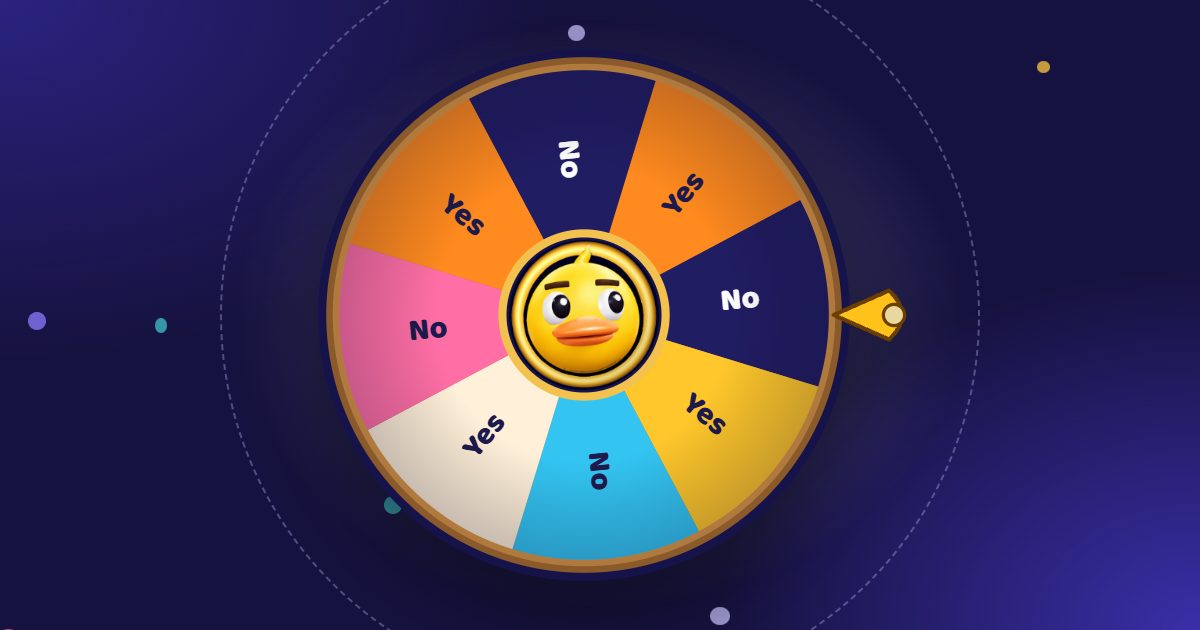
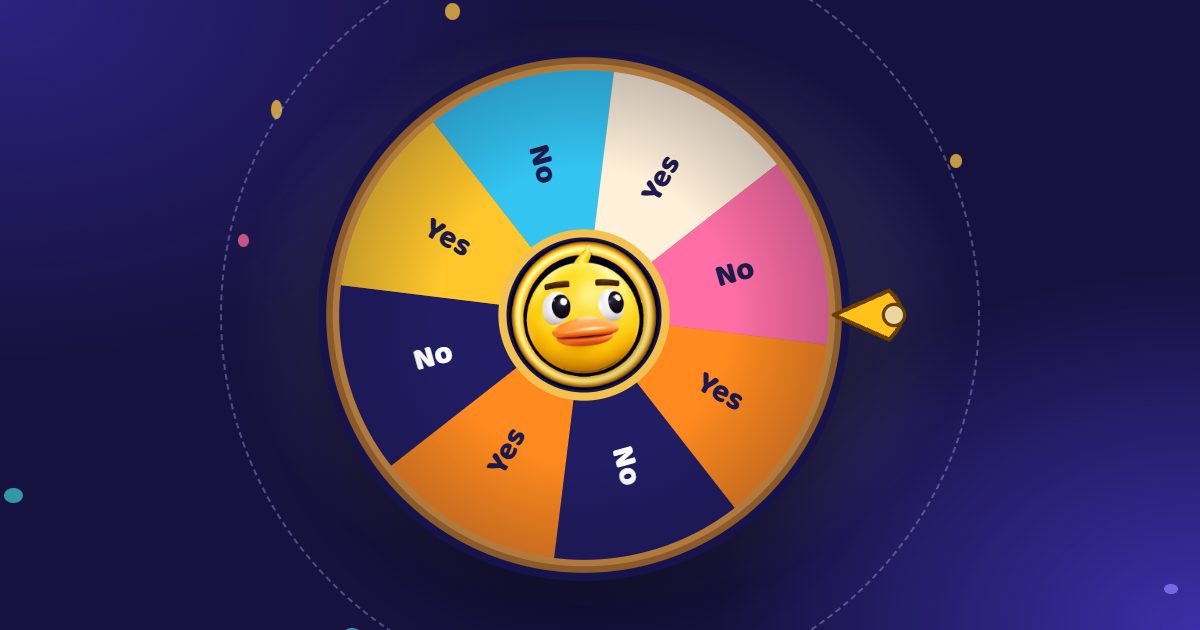
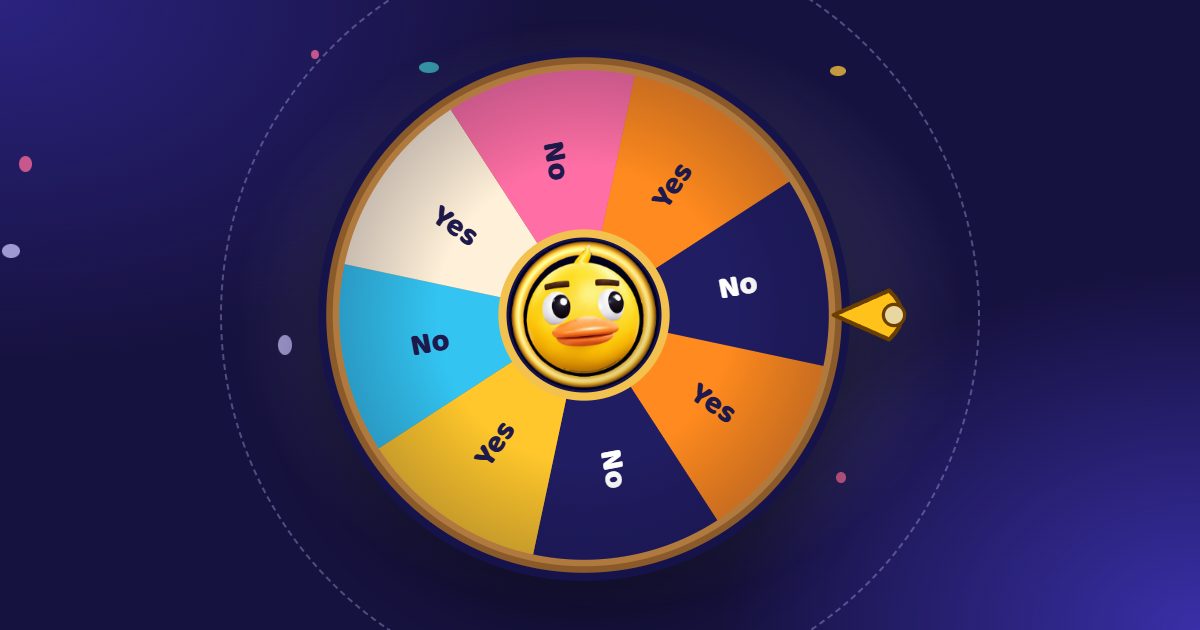
Duck Wheel is a free 3D spinning wheel you start by pulling a rubber duck’s head back and letting go. It does everything a classic wheel does, and turns the spin into a moment the room watches together.
Pros
- A real 3D wheel with physics, a rubber duck that talks, cheers and can be wound up, squeezed, poked or thrown, four scenes, 41 duck skins, 16 hats, 20 colour themes and 18 frames.
- Rooms: the wheel on the big screen, and everyone who scans the QR code sees the same live 3D spin stop on the same name on their own phone. Players can add their own name from their phone.
- Twitch: viewers join the wheel by typing a keyword in chat.
- Up to 1,000 names, pictures as entries, Chances (bigger shares for some names), up to ten winners on a podium in one spin, remove the winner automatically, an elimination wheel and a mystery mode.
- Every spin uses the browser’s cryptographic random generator, and the fairness page lets anyone run up to a million test spins.
- Over 80 ready-made wheels and the whole game in 16 languages.
- Free with no paid plan and no account; ads stay beside the game, never on the wheel.
Cons
- 16 languages, where Wheel of Names offers 65.
- A 3D scene asks more of an old computer than a flat wheel; on a slow device the graphics turn down by themselves.
- Lists are kept in your browser unless you sign in with Google or Twitch to sync them.
Best for: classrooms on a projector, hybrid classes and big halls, Twitch streams, giveaways and any draw where people should see that it is fair.
2. Wheel of Names: the classic flat wheel
The spinning wheel most people know. Its site says all its premium features are free, with no paywall, and that it is run as a hobby project.
Pros
- Simple and fast: type the names, click the wheel.
- Weighted entries, images and a background picture, cloud save, short share links and Google Sheets import.
- Uses the browser’s cryptographic random generator, with a 10,000-spin audit.
- Can be added to OBS or Streamlabs as a browser source; 65 interface languages.
Cons
- A flat, two-dimensional wheel: the spin is over in a few seconds and looks the same every time.
- Its site describes no way for the audience to follow the spin on their own phones; people watch one screen or a screen share.
- Saving to the cloud needs a login, and its FAQ notes that ad blockers can interfere with saving.
More detail: Duck Wheel vs Wheel of Names.
3. Picker Wheel: the most special-purpose wheels
Picker Wheel offers a main wheel plus separate wheels for teams, yes or no, numbers, letters, countries, colours and more.
Pros
- Many ready-made wheel types and text or image entries.
- Weights (“2,First Input”), plus elimination and accumulation modes.
- Spin speed and duration settings, a manual stop button and Ctrl + Enter to spin.
Cons
- Ads on free use; ad-free use, HD images, custom sounds and backgrounds are on paid plans from $5 to $25 a month.
- The free plan limits stored files (15) and collected results (10); cloud save needs an account.
- Lists autosave in the browser and are lost if you clear its data.
More detail: Duck Wheel vs Picker Wheel.
4. ClassTools random name picker: a teacher favourite
A long-standing classroom tool: a name wheel you can switch to a slot machine, with curtain and wheel themes.
Pros
- Built for the classroom; a wheel or a slot machine, fullscreen.
- Share with a link, an embed code or a QR code.
Cons
- Ads unless you pay for ClassTools Premium.
- An older-looking tool, with no weights, rooms or streaming features described on its page.
5. Flippity random name picker: for Google Sheets users
Flippity turns a list, or a Google Sheet made from its template, into a name picker web page.
Pros
- Free; a Lineup mode picks each name once before any repeats.
- Keeps the class list in a Google Sheet a teacher already has.
Cons
- The Sheets route takes several setup steps and a Google account.
- A simple wheel: no weights, rooms or streaming features described.
More detail: Duck Wheel vs ClassTools and Flippity.
6. Online-Stopwatch name pickers: many visual pickers
A timer site with a large set of themed name pickers: a wheel, a wall, a crane claw, a scratchcard and more, with sounds.
Pros
- Lots of different looks for the same draw; some reveal 1st, 2nd and 3rd at once.
- Several interface languages.
Cons
- Free users can enter up to 100 names; 1,000 needs Premium.
- No rooms, weights or streaming features described on its page.
7. Random Duck Race: when you want a race instead of a spin
Random Duck Race is our other game. Every name becomes a rubber duck in a 3D river race, and you get the whole finishing order, 1st to last, in one go.
Pros: up to 1,000 ducks, rooms where players follow their own duck on their phone, Twitch chat joins with !join, a team generator and a knockout mode, photos as racers, 16 languages, free with no account.
Cons: a race takes longer than a spin (20 seconds to a few minutes), so for a quick yes or no a wheel is faster.
Which one should you choose?
- A class or an audience watching: Duck Wheel. The pull, the 3D spin and a Room on every phone keep everyone looking.
- The plainest, quickest wheel in your own language: Wheel of Names.
- A specific ready-made wheel type: Picker Wheel, or Duck Wheel’s 80+ ready-made wheels.
- A class list that lives in Google Sheets: Flippity.
- The whole ranking at once: Random Duck Race.
Frequently asked questions
What is the best free spinning wheel?
For a plain, quick spin, Wheel of Names is hard to beat. For a spin people watch, in a class, a stream or a giveaway, Duck Wheel gives you a 3D wheel, live Rooms on everyone’s phone and Twitch chat entries, all free with no account and no paid plan.
Which spinning wheel is truly random?
Duck Wheel and Wheel of Names both use the browser’s cryptographic random generator (crypto.getRandomValues), and both offer a public test you can run yourself. Duck Wheel’s fairness page runs up to a million spins.
Is there a spinning wheel with no sign-up and no ads on the wheel?
Duck Wheel needs no account for any feature, and its ads stay beside the game, never on the wheel or in the Room on players’ phones.
Can students watch the wheel on their own phones?
Yes, with a Duck Wheel Room: they scan the QR code or type the five-letter code at duckwheel.com/join, and the live 3D wheel opens in their phone’s browser, no app needed.
Can I move my list from another wheel?
Yes. Copy the names, one per line, and paste them into Duck Wheel, or open a .csv, .txt or Excel file. It takes about ten seconds.